Kateboy album – ‘One’

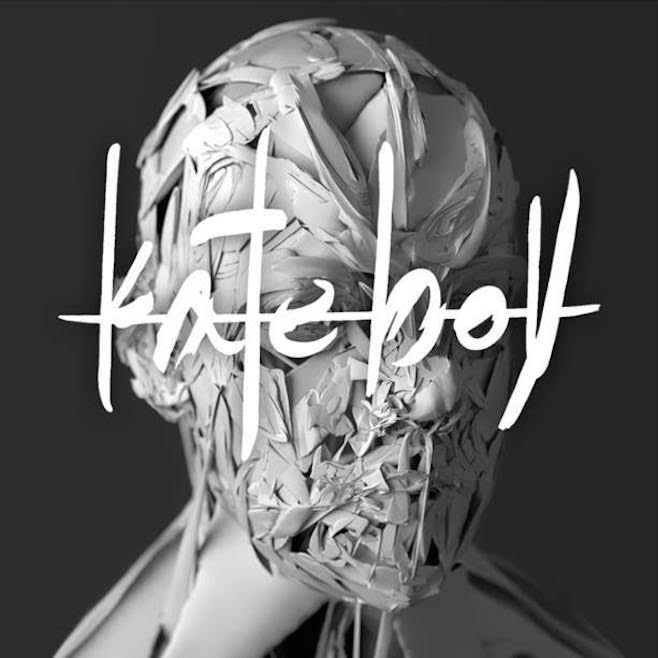
Delighted to see my artwork used on the latest album by Kateboy.

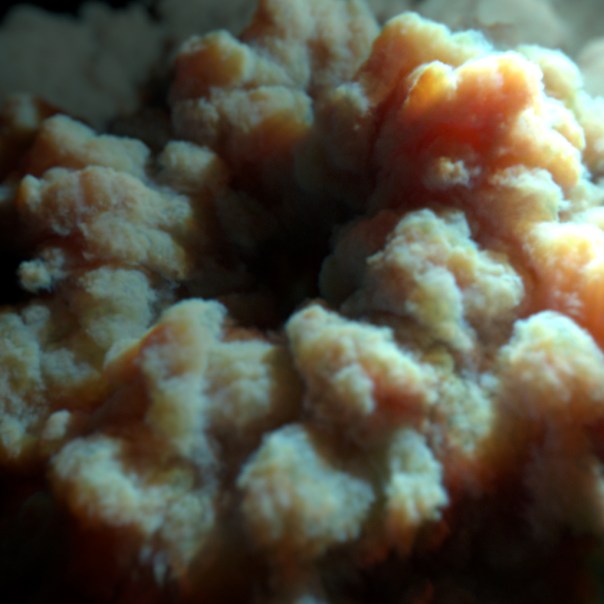
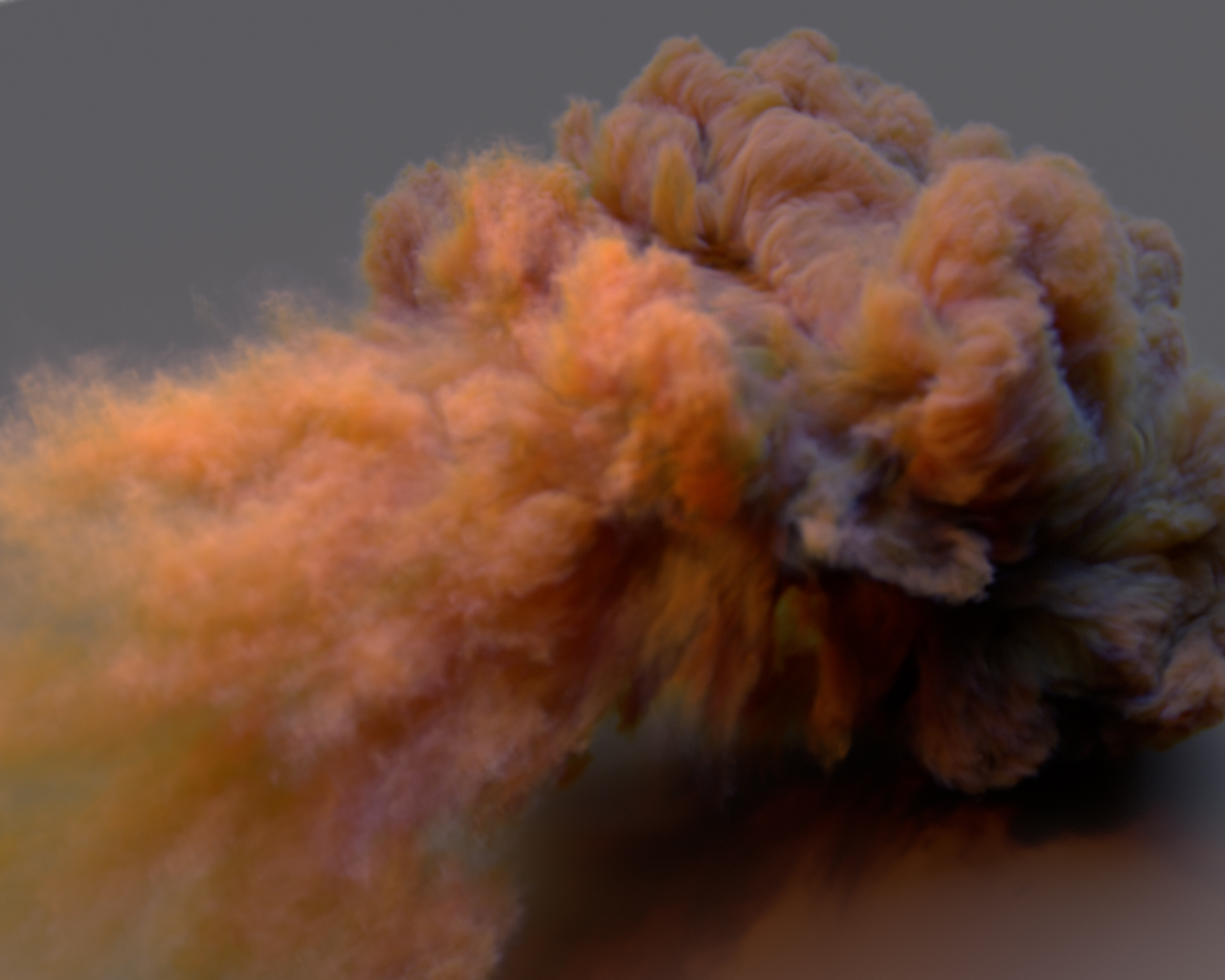
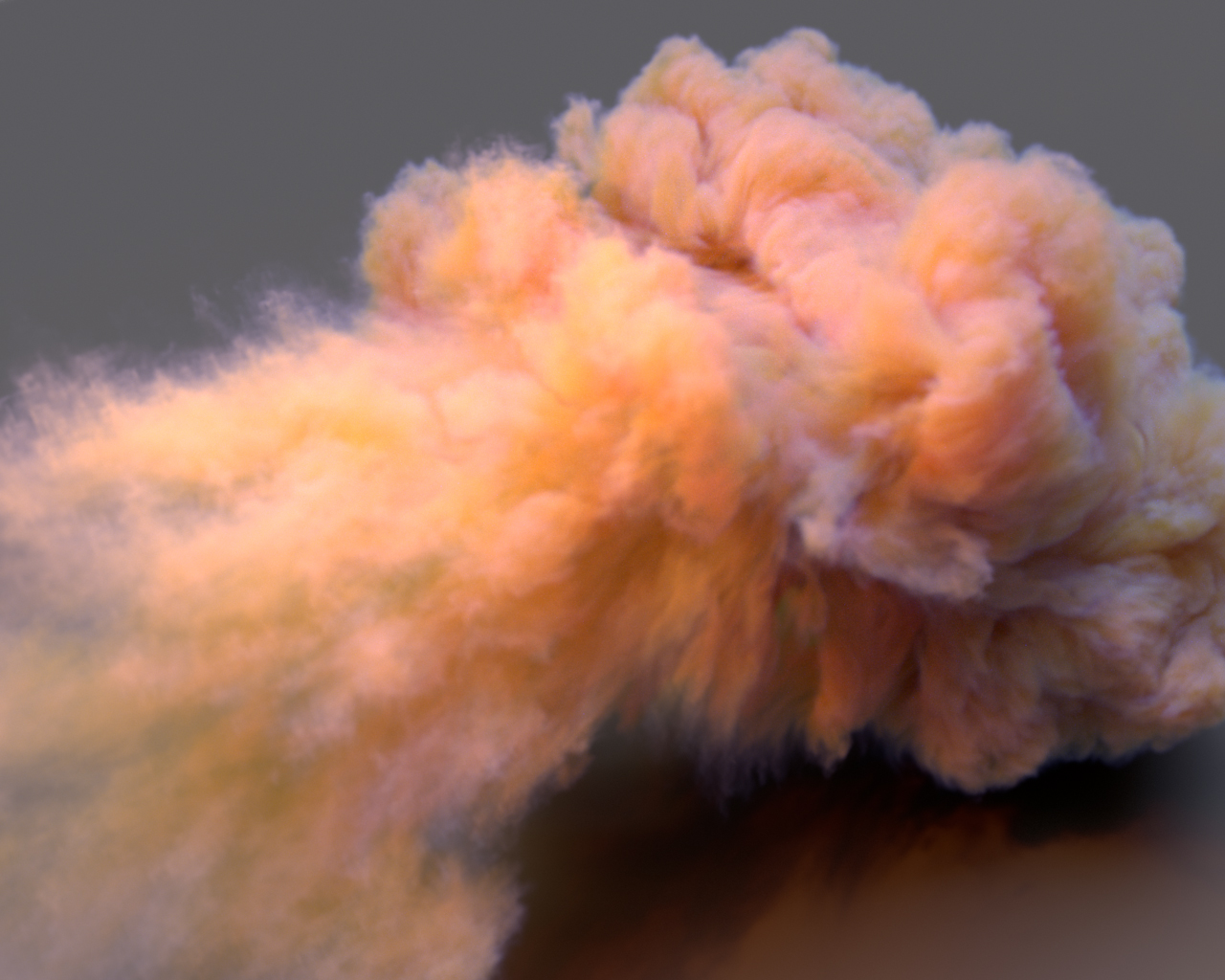
A 3D scan was taken of the lead singer Kate Akhurst which I used to project the curves onto in Maya. Kateboy then art directed how they wanted the curves to look in relation to the original head scan. I then rendered the image using Arnold for Maya by Solid Angle. A more technical breakdown of the process can be found in this tutorial.

Kateboy-album-small

The album can be ordered here:

iTunes: http://po.st/KBODLFB
CD and 12″ Vinyl: http://po.st/KBOPFB
Hotkey Editor Maya 2016

While I appreciate the functionality of the new Hotkey Editor in Maya 2016, I feel it could be improved. My main bugbears with it are:

  • It takes far too long to open, much like the new Hypershade window.
  • Its far too large and cannot even fit on my screen at lower resolutions.

hotkey-editor-size

  • It cannot be resized.
  • Changing the ‘Search By’ menu loses your hotkey so you have to add it again.
  • No option to change a hotkey when creating a new Runtime Command (have to search for it afterwards).
  • Can’t save settings for the window itself, so I have to keep changing the ‘Search by’ to Hotkeys every and ‘Keyboard’ to ‘Runtime Commands’ every time I use it.
  • Im also getting lots of issues with having to press keys twice to get them to work (a conflict somewhere), but that’s another issue.
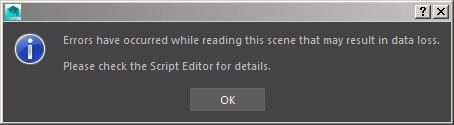
  • It has a super ugly pop up window after saving a Runtime Command that has to be clicked on, which is almost as annoying as this window that I seem to see every time I open a scene and that interrupts everything.

errors

Anyway I mocked up a couple of ways to improve the look and feel of the window. Rant over 🙂

Hotkey-Editor-Window-1

Hotkey-Editor-Window-2

alCurvature shader

Recently inspired by Chad Ashley’s test with the alCurvature shader by Anders Langland, I thought I would also give it a test. It seems very useful for creating ‘dirt map’ effects. In the examples below it has been connected to the Diffuse Roughness attribute of the alSurface shader.

alcurvature-shader

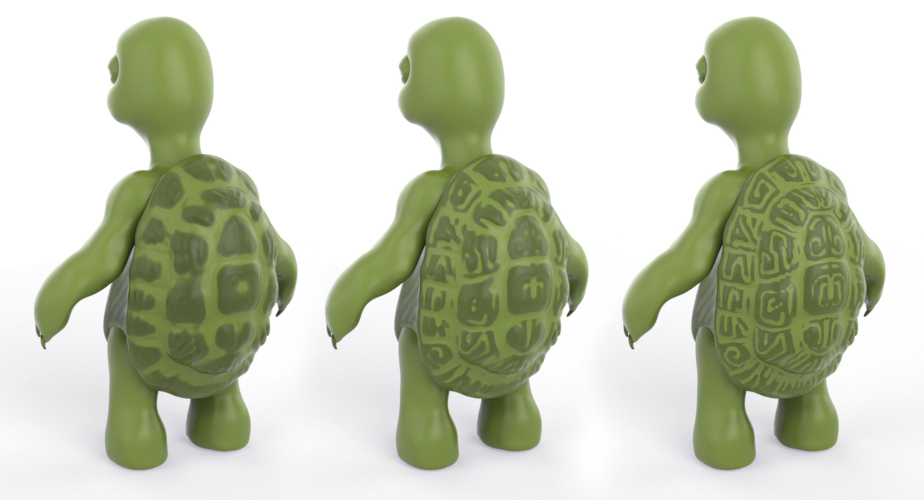
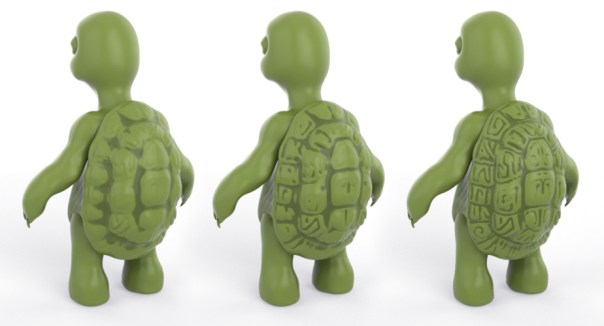
The examples below show both Negative and Positive modes (Positive selects convex regions while Negative selects concave regions of the turtle’s shell).

They use decreasing Radius values (smaller values pick out finer detail in the model, while larger values give a smoother result).

positive-back
Positive Mode (Radius 0.1, 0.05, 0.01)
negative-back
Negative Mode (Radius 0.1, 0.05, 0.01)

Many thanks to Josh Alexander for the use of his very cute turtle model.

Oyonale

oyonale

If you haven’t done so already, I seriously recommend you check out the work of Oyonale. A true hero of mine and a huge inspiration.

His variations series of images are amazing.

Its incredible how much he has achieved during the 90’s/ early 2000’s and how far ahead of the game he was and I think a lot of his work still holds up today. I don’t know what he is doing today, but I know I would love to see more work from him.

Even more incredible is computer graphics was a hobby for him and his day job doesn’t involve graphics at all!

This blog entry is also great and he also has a great photographic eye.

A true master of his craft.