7.5.4.0

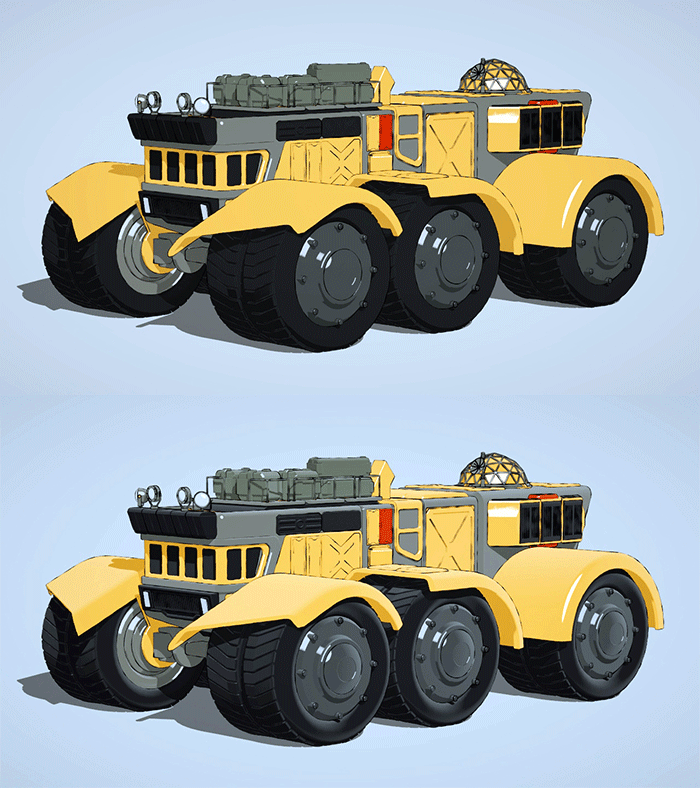
Gaussian Splatting in Arnold for Cinema 4d
Arnold Masterclass: Your Complete Guide to Arnold for Cinema 4d
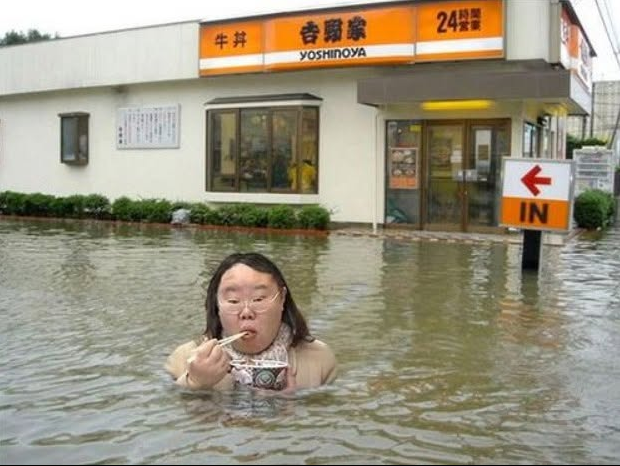
YOSHINOYA
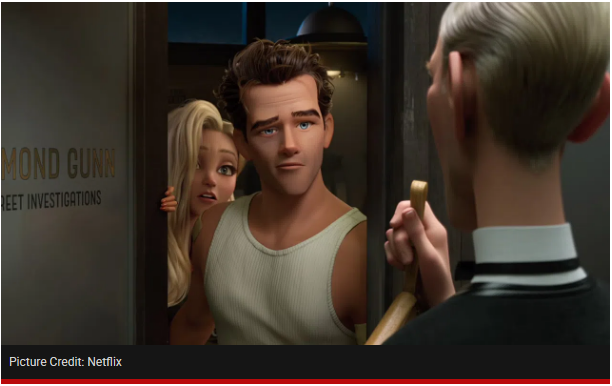
Ray Gunn | Official Trailer | Netflix
Brad Bird’s ‘Ray Gunn’
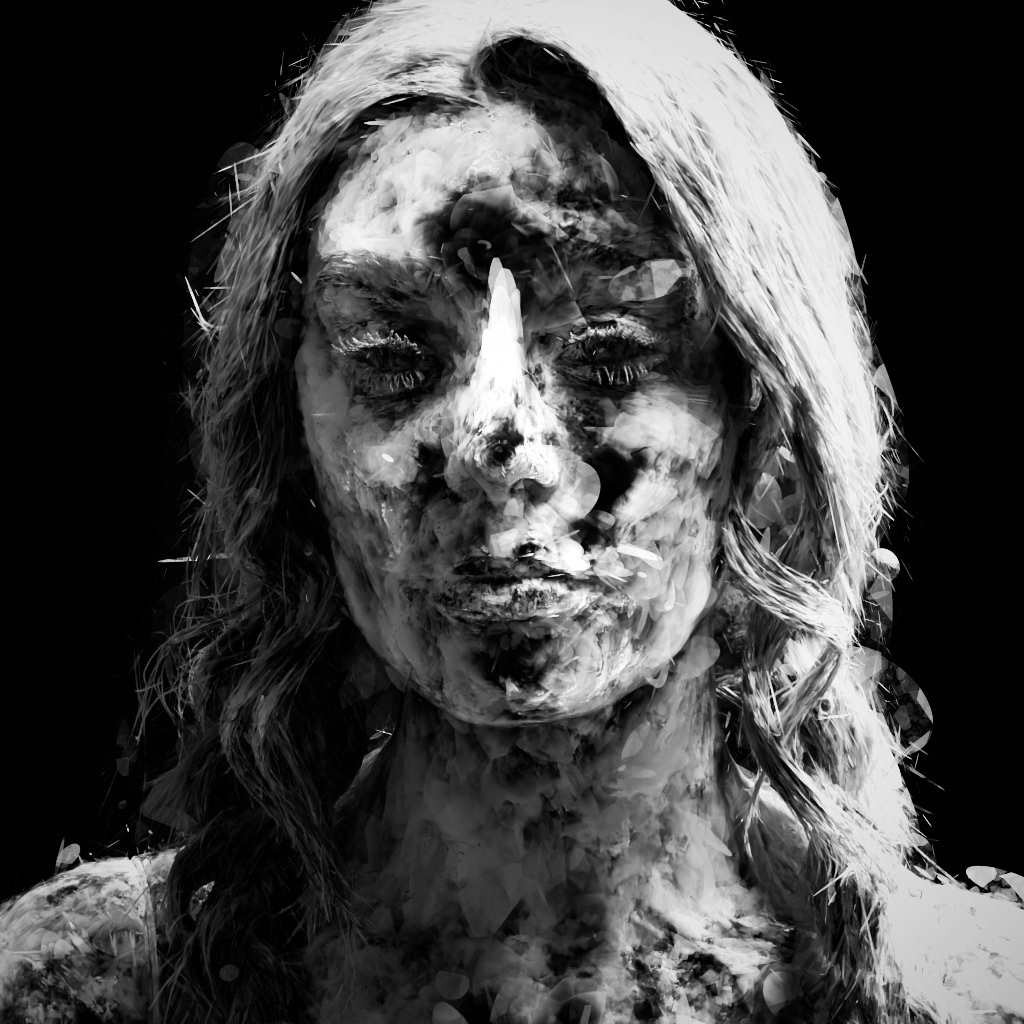
GSplat OpenPBR opacity
More here.

Why the Anime Community Uses .ass
Unlike standard SubRip (.srt) files, which only display plain text at the bottom of the screen, .ass files function like a rich typesetting template. Key features include:
- Precise Screen Positioning: Text can be placed anywhere using X and Y coordinates. This is frequently used in anime to overlay translations directly on top of Japanese signs, text messages, or background documents (known as typesetting).
- Rich Formatting: Subbers can define custom fonts, colors, multi-colored borders, shadows, and text sizes to differentiate between characters.
- Animations and Effects: It natively supports dynamic kinetic text, including fade-ins, scrolling text, and rotations.
- Karaoke Timing: It allows for syllable-by-syllable timing, which is why anime opening and ending themes often feature subtitles that light up in sync with the vocals. [


You must be logged in to post a comment.