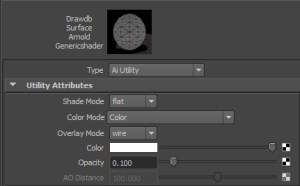
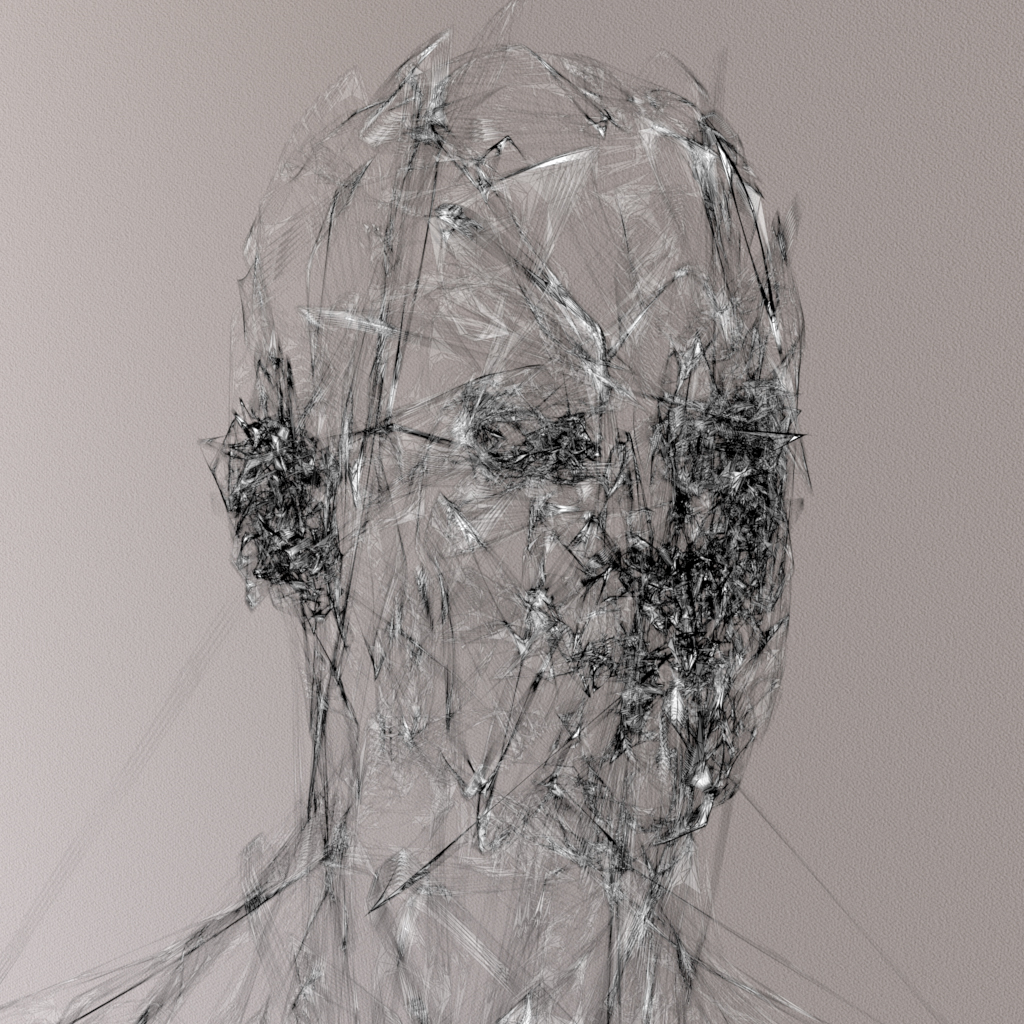
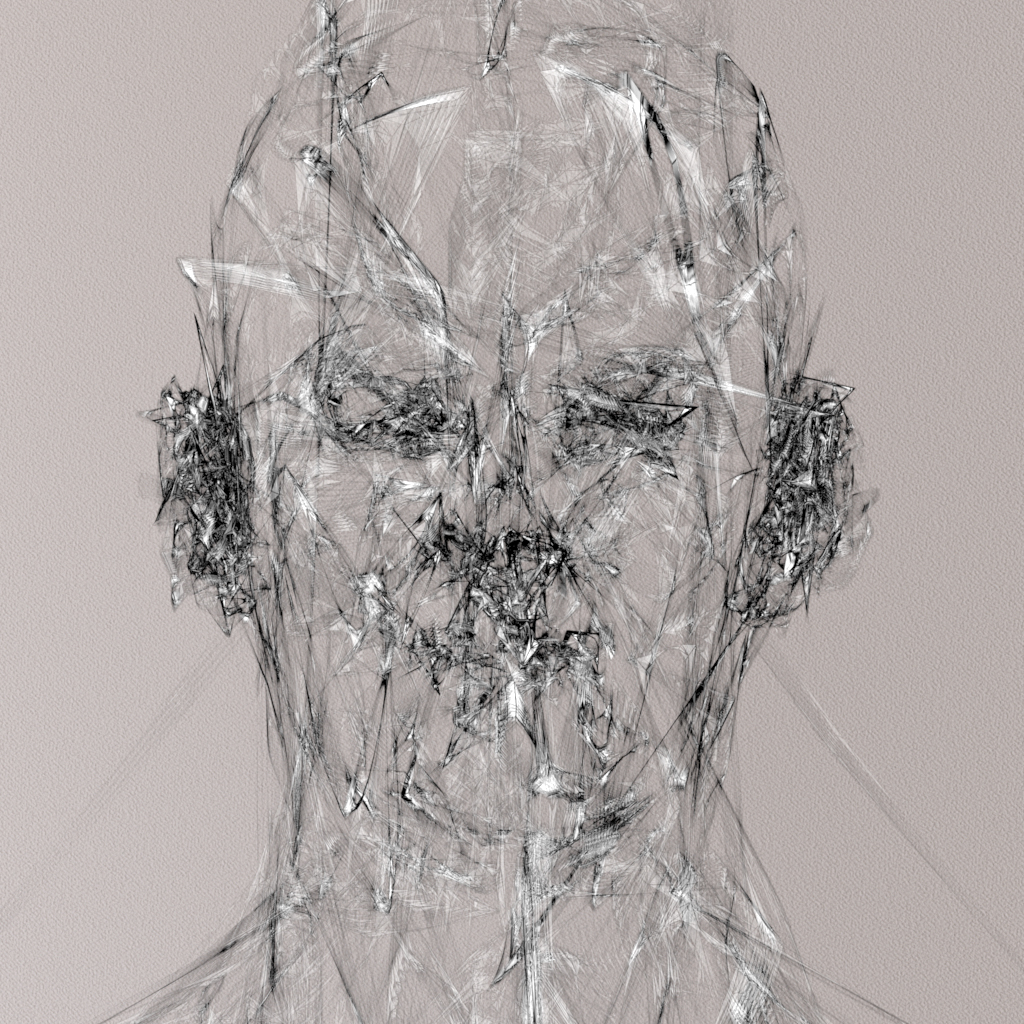
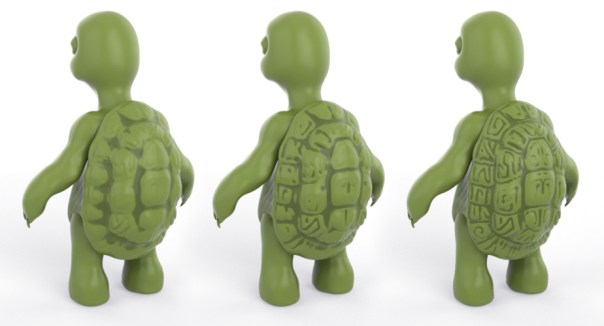
I was having fun playing around with the new ShrinkWrap deformer in Maya 2015 and came up with this odd looking fella. Rendered with Arnold for Maya using the skin shader.
Category Archives: Uncategorized
XGen Cube Archive
It really is incredible how easy it is to create complex scenes with XGen in combination with Maya to Arnold. Here are a few tests that I have rendered recently using nothing but a beveled cube as the primitve archive. A tutorial that goes through the process can be found here.
Featured on: 3dtotal.com, Behance.
3D Artist Issue 66
Issue 66 of 3D Artist magazine features a simple quick start tutorial for Arnold what I did wrote and stuff:
XGen Tutorial
I am pleased that my Maya XGen tutorial is on the front page of the Autodesk Area website (although Im guessing its been pushed off the front by the time you read this 🙂 )
Here is the direct link and here is a link to the render curves tutorial that was also picked up by the Area.
More XGen tutorials can be found here.
Rolling shutter experiments
I was having some fun playing with the rolling shutter camera effect. Its typically used to replicate the rolling shutter effect used in footage shot with digital cameras that use CMOS-based sensors such as airplane propellors and electric fans. I keyframed the head rotation in multiple directions (whilst animating the camera along the x axis) and got something that wouldn’t look out of place in the disturbing film Society (which would make an interesting cgi remake btw).

Render curve maniac
After a lifetime of not being able to render curves, I have to say its a true joy being able to render curves straight in Arnold. Below is a paint effects brush called ‘gloppy’ that I converted to curves (Modify>Convert Paint Effects to Curves), with a ramp that defines the curve width (lit with an Ai Sky). More examples here.
The animation below was achieved by keyframing the ‘gap size’ attribute of the paint fx stroke from 1 to 0:
Head modelling experiments
I thought I’d put together some old head modeling experiments that I’ve done over the last couple of years. What a bunch of misfits!
Multi-touch technology
I thought I’d share an old post I managed to retrieve that I wrote about multi-touch technology back in 2007 (apologies for any broken links). Here is a rather poor video of me using my multi-touch keyboard. Unfortunately, apart from the proliferation of touch tablets and touch phones we are still stuck with the inefficient mouse and keyboard setup. Here’s the post:
“I just wanted to view my opinions (for what they are worth), on multi-touch technology and why it will replace the mouse and keyboard in the near future. 2010 or thereabouts apparently. If you don’t believe me, then throw away your iPhone as it uses technology based on multi-touch.
I have been using multi-touch for the last 8 years now – http://www.fingerworks.com
I would never go back to a mouse and keyboard as they are far too inefficient.
Why should I move a mouse pointer down to the taskbar, click on the volume control which pops up something else which I have to click and drag, when I can just rotate my hand like a volume knob. Rotate left to lower the volume, rotate right to increase it. For examples of some of my daily gestures, click on some of the links on this page – http://www.fingerworks.com/userguides.html
Having one device rather than two means I can use my computer in my living room. I don’t need a desk or something to balance a mouse mat on. I can sit, slouch, stand or lie and still use a computer. Having one device means that I don’t have to switch back and forth like I would do if I was using a mouse and keyboard, which is time consuming.
Unfortunately fingerworks was bought out and now we have the iPhone and the new Macbooks have a few multi-touch gestures. It seems they are slowly trickling the technology out to the masses so that eventually consumers will be crying out for a multi-touch device for their computer.
I just wish Apple or Microsoft or whoever would hurry up and release a multi-touch device as good as or better than what I am currently using. However, it took some time to learn it as I had to learn to touch type using the DVORAK layout.
Of course there will be people that will be reluctant to leave their trusty 20th century mouse and 19th century qwerty typewriter keyboard. However the mouse is hugely inefficient
and apparently a major cause of rsi. The qwerty layout was designed to stop the metal hammers on typewriters from hitting eachother and so is also inefficient.
As artists, we shouldn’t be forced to use the same method of input as accountants or secretaries. But we do. To give you an idea of the possible alternates, here is an example of a very possible, method of input that Apple has patented:
Here are some more mult-touch links:
http://www.macrumors.com/2007/02/12/more-multitouch-from-jeff-han/
http://apcmag.com/windows_7_gets_touchyfeely.htm
http://www.tomsguide.com/us/laptop-OLPC-XO,news-1509.html
http://www.engadget.com/2008/05/27/microsoft-shows-off-snippet-of-windows-7-at-d6-reveals-multi/
http://www.billbuxton.com/multitouchOverview.html
This is what I currently use:
http://www.macrumors.com/2007/11/01/apple-researching-touch-surface-keyboard/
And this is rumoured to be the Apple version:
http://www.macrumors.com/2008/02/21/advanced-multitouch-writing-without-a-stylus-and-more/
http://www.macnn.com/blogs/2008/07/14/apple-introduces-real-world-gestures.html
http://uk.youtube.com/watch?v=dFV18Kg3h2M&eurl=http://news.softpedia.com/news/Full-Screen-Mac-OS-X-Multitouch-Magic-85884.shtml “
Missing Bucket
I think this image needs no explanation (except that the render is missing one bucket ;o) ). The model is kindly provided by the extremely talented modeler – Alex Huguet.
3D Artist Issue 62
Slightly old news, and a bit of shameless self promotion, but I am pleased that one of my images from the Render Curves Tutorial is in issue 62 of 3D Artist magazine.


You must be logged in to post a comment.