Free PBR has some great free physically based materials and 2k texture files.
Below are some examples rendered with Arnold.



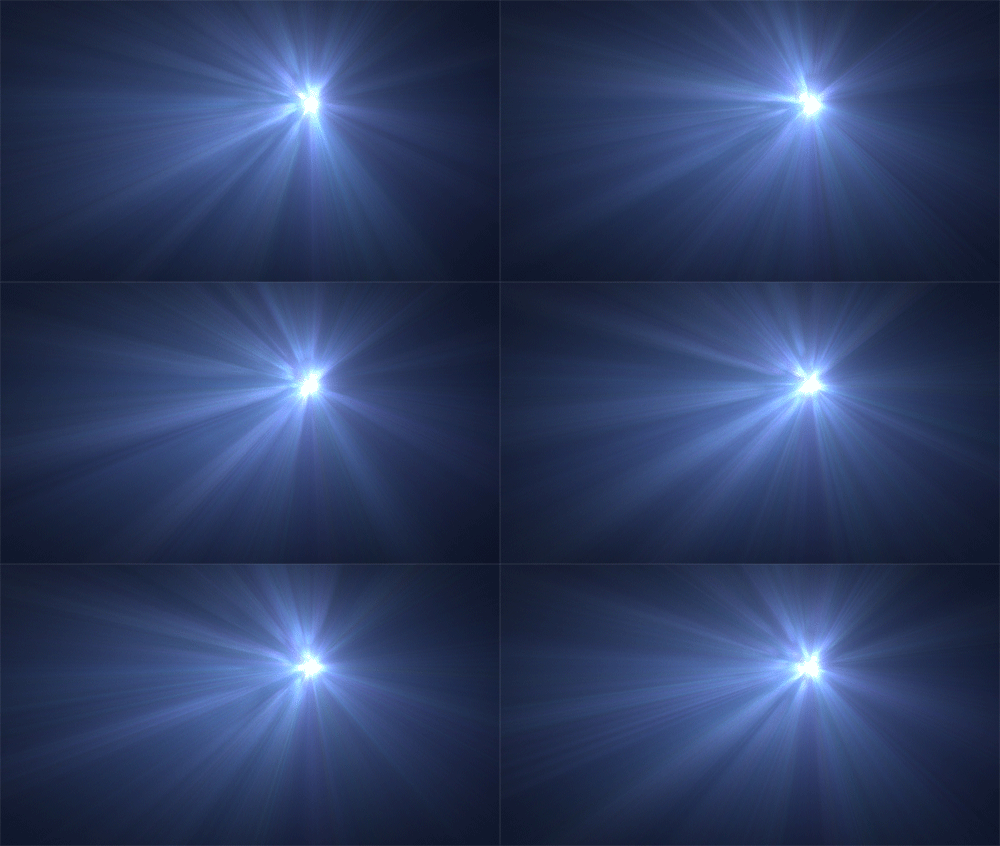
Inspired partly by Destiny’s hyperspace loading screen, I thought I would try to create a similar effect with Arnold. The effect is achieved simply by connecting a fractal map to a gobo that is connected to a spot light and enabling volume scattering.
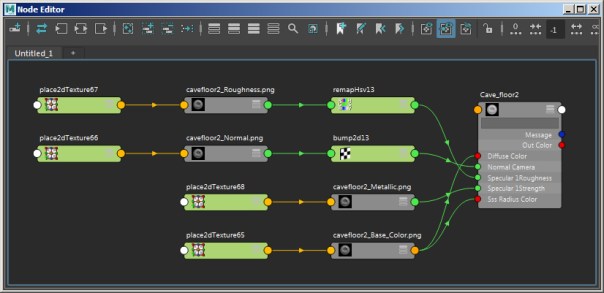
If you are moving from an earlier version of Maya to Maya 2017, you should be aware that the color workflow has been updated. This is particularly important when opening old scenes in Maya 2017 as you will notice some changes in your renders.
You can now find tutorials on learning Arnold for Maya (MtoA) and Arnold for 3ds Max (MAXtoA) on the Autodesk Area website. More to come in the future!

This is how you do a showreel. Some great work done with Arnold.
Very pleased to see my work used for a worthy cause.

Converting old Maya/ mental ray shaders to MtoA can be tedious. However, there is a shader conversion script available to make this process easier.
A sample mrShadersToArnold.py conversion script is available in the \docs directory of the MtoA installation folder. This simple script converts unsupported materials (phong, blinn, mia_material etc..) to an Ai Standard shader.

The alCurvature shader measures the local curvature of the surface. This shader is an easy way to add detail and realism to your shaders. In this short tutorial we will use the alCurvature shader to mimic a shading painting technique effect on a model of a lead figurine.
An alLayer shader is used to layer two different alSurface shaders. We will use one alSurface shader for the black paint layer and another alSurface shader to represent the exposed metallic surface underneath.


Final shader network


 arnold-rendering.com
You must be logged in to post a comment.