Daniel Hennies from http://uglykids.org has created a brilliant video tutorial in Arnold, rendering a photorealistic portrait in Cinema 4D with C4DtoA.
Thanks for the shout-out Arnie!

Daniel Hennies from http://uglykids.org has created a brilliant video tutorial in Arnold, rendering a photorealistic portrait in Cinema 4D with C4DtoA.
Thanks for the shout-out Arnie!
The extraordinarily talented Zeno Pelgrims has created a rather nifty camera shader for Arnold for Maya, capable of simulating optically imperfect lens effects.

Below are some examples using some bokeh images from www.dofpro.com


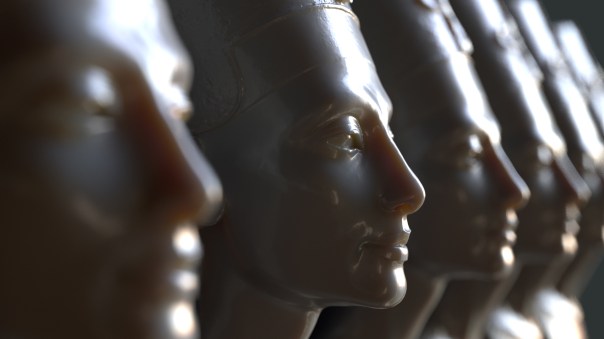
Apparently some (rather naughty) people went in and scanned the contested Egyptian Queen Nefertiti bust at the Nues Museum in Berlin without their permission.
I guess you could say they stole it just by ‘looking’ at it. Hehehehe………sorry.
The high resolution model (around two million polygons) is freely available to download here (.obj).
Rendered with Arnold using the alSurface shader.

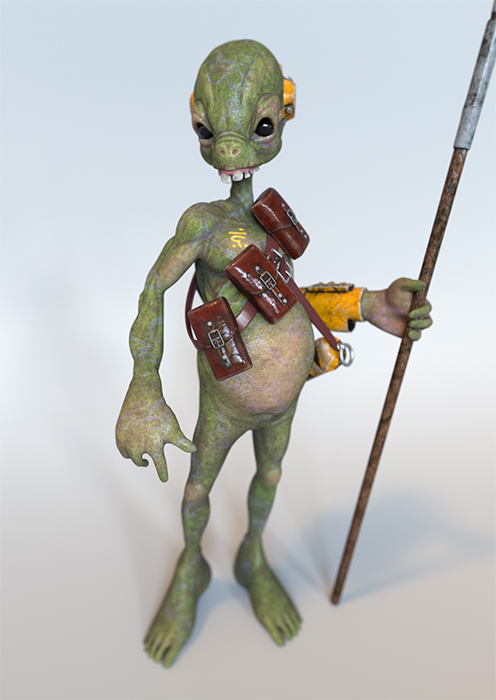
This toy model is available to download (also contains a studio lighting scene). It is set up for rendering in Arnold.
Maya scene is available here.
C4D scene is available here.
3ds Max scene is available here.


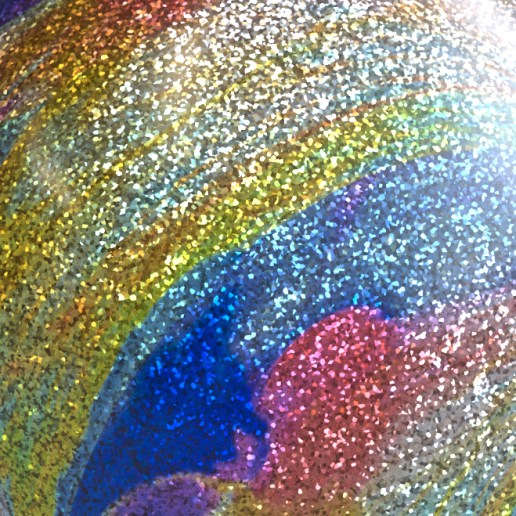
How to achieve a specular speckle effect (see video below)? This effect is visible in various places such as car paints, plastic coatings on mobile phones, christmas ornaments, snow etc.
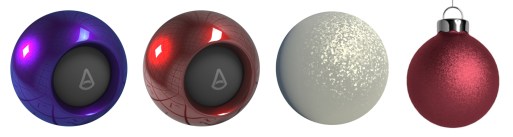
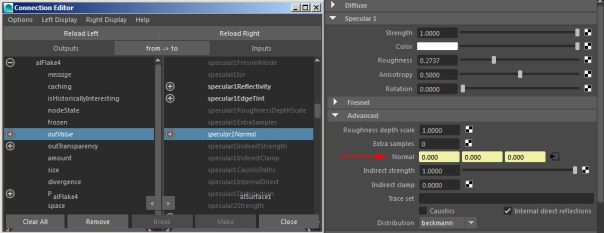
It can quite easily be achieved using the alShaders by Anders Langlands. In particular the alFlake shader is required. You need to connect it to the alSurface shader’s Specular Normal attribute.

The Arnold Render View enables you to open LUT (Lookup Table) files directly in the window.
Below are some tests using some 3D LUT .cube files from this site. There also some free LUT files available here.


I thought I would have a go at comparing the new ‘GGX’ Specular attribute in Arnold against ‘Beckmann’ (default).
“GGX is a microfacet distribution. It has a sharper peak and a larger tail than Beckmann. GGX is suitable for modeling light reflection from surfaces more realistically.”
It seems to give a subtle softer highlight that falls off more gradually. The effect seems more obvious on the brighter specular highlights on the metallic surfaces below.

The Standard shader has a new Diffusion Profile called Empirical (the default is Cubic). Empirical is a more physically accurate subsurface scattering profile, that, with a single layer, can capture both surface detail and deep scattering.

This scene is kindly provided by Christophe Desse. Click here to download the scene file (setup for rendering with Arnold for Maya).
The kitchen probe hdr map used for the skydome light in this scene can be downloaded here.
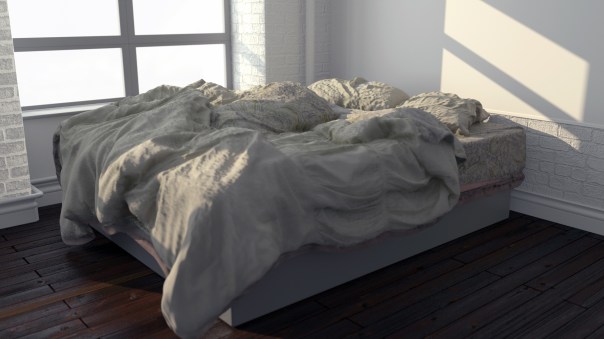
Daniel Morrison has some great 3D scans available for free here. Below is an Arnold render of his disheveled bed scan (video here).


You must be logged in to post a comment.